




The Top Websites to Download Free STL Files
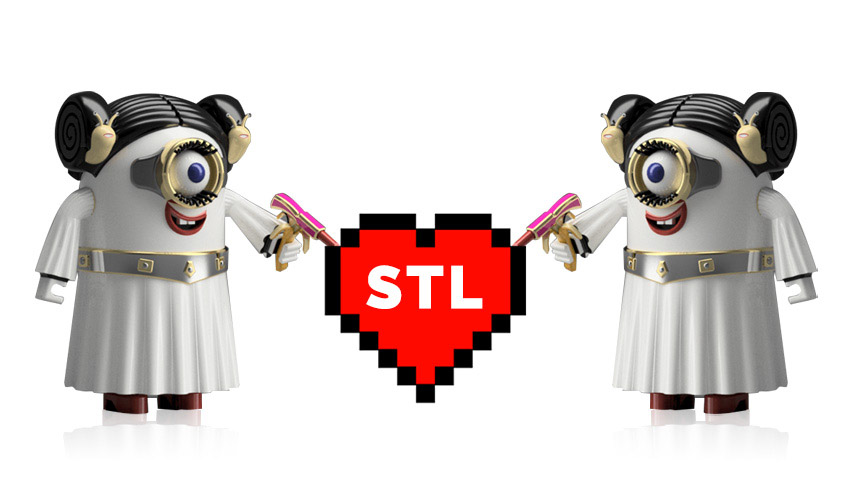
An STL file (short for stereolithography) is the most common format for representing the geometry of an object to be 3D-printed. Unlike formats such as OBJ, 3MF, or AMF, STL describes only the shape using a mesh of triangles, without colors, textures, or materials. It is generated using design software (CAD) and then processed by a slicer, which slices it into layers and generates the G-code that the printer executes.
There are currently many websites where you can find free STL files to print. Below, we present some of the most well-known sites, listed alphabetically.
1. 3DWarehouse
3DWarehouse is a download site, provided by the SketchUp team, where users can create and share models made with the software. This website is primarily aimed at professionals and is highly regarded in fields such as architecture and design, as it serves as a platform for exchanging 3D models and as a potential source of income for some creators. With a free SketchUp plan, users can download more than 3 million community-created models. However, the real-world product catalogs from manufacturers integrated into the platform require payment. Additionally, it allows users to add extensions to the SketchUp software to improve the quality of their models.
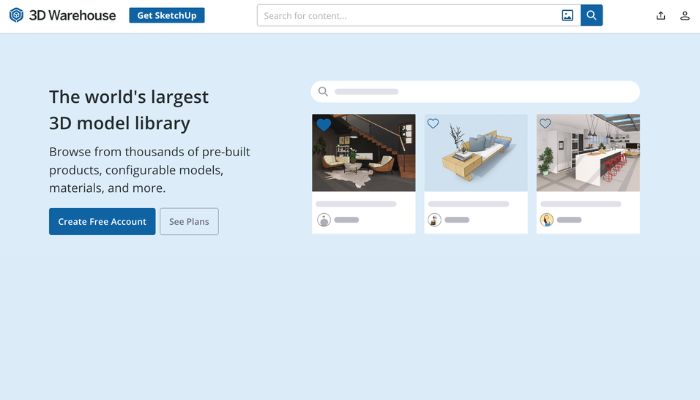
Credits: 3D Warehouse.
2. Cults
Cults is one of the leading websites for downloading free STL files. The website is a digital marketplace where you can find thousands of 3D models related to fashion, jewelry, architecture, and more. Cults is also a community that allows people to discuss their interests and share their passion for 3D printing, connecting designers, manufacturers, and other creators. They organize contests, post on their blog, and regularly create content for their community.
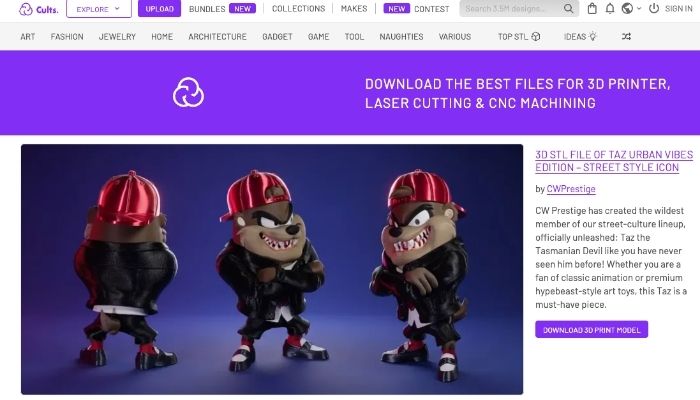
The Cults home page (Credits: Cults).
3. GrabCAD
GrabCAD is a good option when you’re looking for an engineering part. Stratasys, one of the leading manufacturers of industrial 3D printers, acquired the platform a few years ago, which led to the development of additional paid software products (such as GrabCAD Print Pro) aimed at businesses. However, GrabCAD Community is completely free. There you can find native CAD formats (STEP, SolidWorks, Autodesk, etc.) as well as STL files, designed for machining, prototyping, or functional parts. Keep in mind that it’s free only for personal use, not for commercial use.
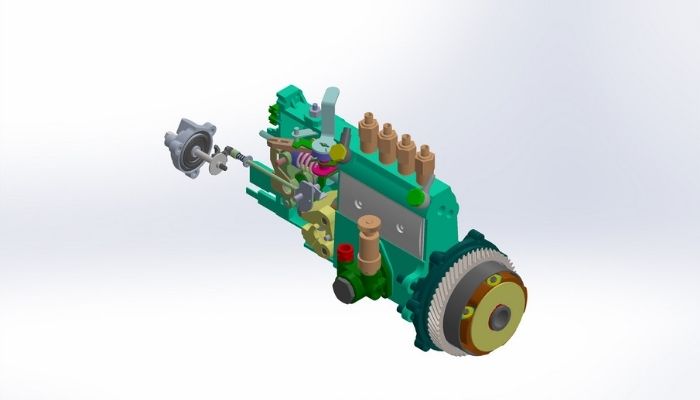
Model of a diesel injection pump (Credits: Minh Tien / GrabCAD).
4. MakerWorld
MakerWorld is Bambu Lab’s 3D model platform, launched in 2024. Although it was originally designed to work with the company’s own printers, the files are downloaded in standard STL or 3MF formats and work on any machine. Its points and rewards system encourages designers to thoroughly document print parameters, which makes print results more predictable.
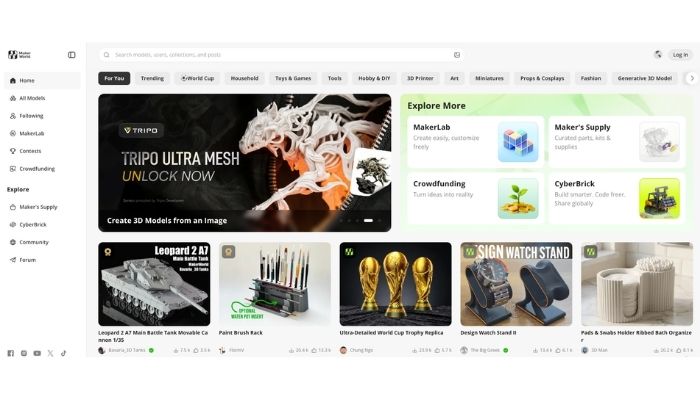
Credits: MakerWorld.
5. MyMiniFactory
MyMiniFactory is a platform that aims to foster collaboration among 3D designers by allowing them to freely share their work. The website offers free files designed specifically for 3D printing. Each file uploaded to the platform is carefully selected and tested by community members. Since late 2025, MyMiniFactory has also been leading “SoulCrafted,” an initiative that bans AI-generated content on the platform and verifies that models are the work of human designers. Thingiverse joined this same movement following its acquisition.
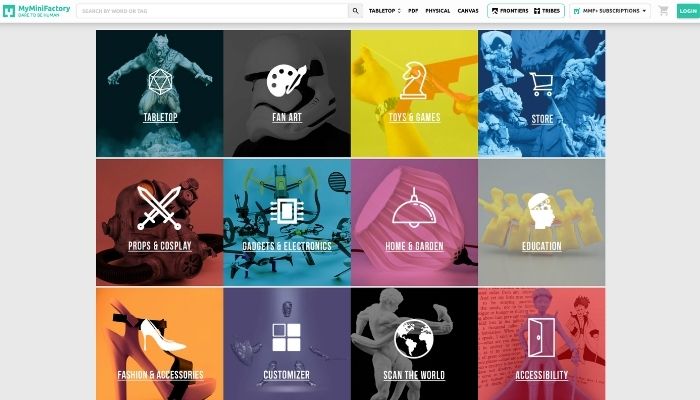
Credits: MyMiniFactory.
6. Printables
Printables is Prusa Research’s free model platform, with over 1 million files. Most include pre-configured print profiles and real photos of the finished product, so a model can go from download to printer with minimal adjustments. Although it is managed by a printer manufacturer, the STL files are universal and work on any machine.
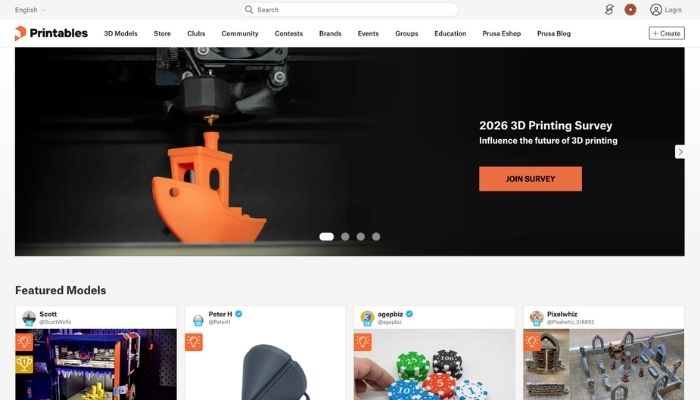
Printables es la plataforma de modelos 3D del fabricante de impresoras 3D, Prusa Research.
7. Sketchfab
Created in 2012, Sketchfab is a platform that features a 3D model viewer. In addition to this feature, it also offers a section where community users can browse, “like,” and download the 3D models available on the website. The fact that it includes all kinds of 3D designs makes Sketchfab a very comprehensive platform for users. Therefore, if you want to focus on 3D printing, you should search for “STL” directly in the platform’s search bar. This way, you can find 3D printing files available for free download. Since Epic Games acquired the platform in 2021, the sale of paid models has been handled separately on Fab, so within Sketchfab itself, you’ll find only free content.
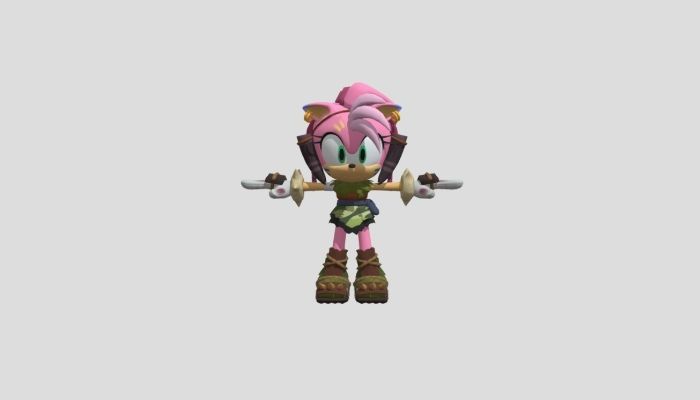
Credits: Sketchfab.
8. STLFinder
When you visit the STLFinder website, you’ll find a simple, search-focused interface. Just type in the 3D file you’re looking for. The platform then suggests all related models found on other websites. STLFinder is essentially a search engine that allows users to compare all the designs available online. This saves you from having to search ten sites at once. STLFinder retrieves the description of each 3D file listed on the source platform and links back to it so you can download the model and print it.

STLFinder finds STL files based on our search keywords (credit: STLfinder).
9. Thingiverse
Launched in 2008 under the Makerbot umbrella, Thingiverse was for years the largest community for free STL files. On February 12, 2026, MyMiniFactory announced the acquisition of 100% of the platform from Ultimaker, bringing Thingiverse’s nearly 8 million users into the MyMiniFactory ecosystem. The platform is now part of “SoulCrafted,” the label MyMiniFactory uses to identify and prioritize user-created content over AI-generated models. According to the company, existing free files will remain free, although new ways for designers to monetize their work will be added over time.
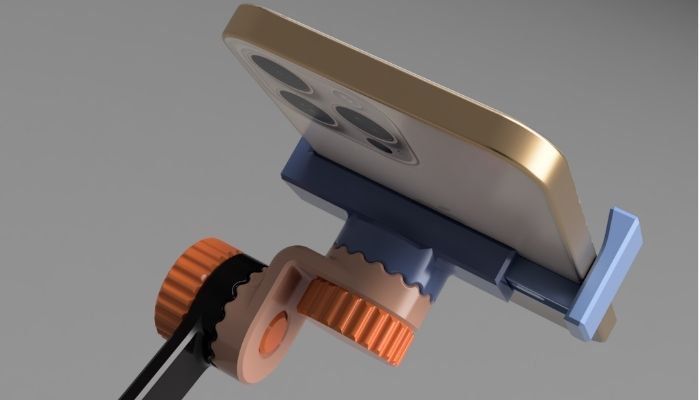
Model of a cell phone holder (credit: Jakub Lattenberg/Thingiverse).
10. Yeggi
Like STLFinder, Yeggi is a search engine that lets you find more than 9 million STL files available on different platforms. However, it’s important to note that Yeggi offers more filters and options than its competitor. You can choose between free and paid files, popular models, recently added models, and more. Currently, about 69% of its results are free downloads, according to the platform’s own data.
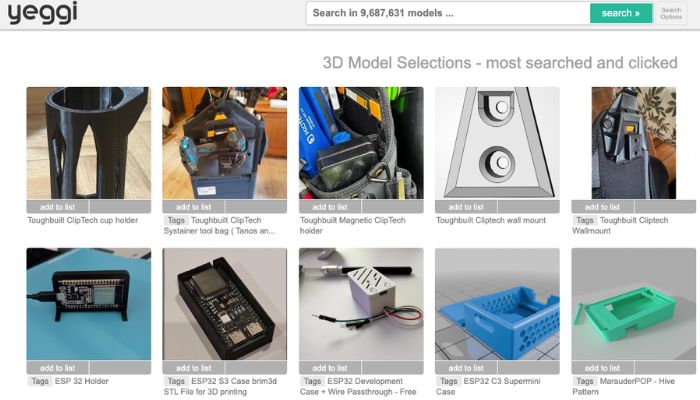
Credits: Yeggi.
Frequently Asked Questions About STL Files
What is an STL file?
An STL file describes the surface of an object using a mesh of triangles, without any information about color, texture, or material. It was created in 1987 by 3D Systems, the company founded by Chuck Hull, the inventor of stereolithography (the 3D printing process that gives the format its name). Nearly forty years later, it remains the format that the slicer reads before generating the G-code that the printer executes.
How do you create an STL file for 3D printing?
There are two main methods. The first is to design the object from scratch in a CAD program and export it as an STL file; when doing so, you choose a tessellation resolution (how many triangles make up the curves), which determines whether the final model looks smooth or has visible facets. The second is to scan a physical object using a 3D scanner or photogrammetry, which generates a point cloud and converts it into an STL mesh.
What is the difference between STL and OBJ?
STL only stores the object’s geometry. OBJ, on the other hand, can include texture coordinates (UVs) and, along with an associated MTL file, color and material information. That’s why OBJ is more commonly used in rendering, video games, and animation, while STL remains the standard in 3D manufacturing and printing, where most of the time only the shape is needed.
Do all 3D printers use STL files?
No printer reads an STL file directly: they all run G-code, which is generated by the slicer when processing the model. The STL is, therefore, an intermediate format, not the one that actually reaches the printer. It is the most compatible format with the vast majority of slicers, although formats like 3MF are also used today, which, in addition to the STL, can include pre-configured print settings.
What programs can be used to open STL files?
It depends on what you want to do with the file. To prepare it for printing, you need a slicer. To create or modify the model, you use 3D design or CAD software. And if you just want to view it without editing it, there are free, online viewers that don’t require any installation. Most of these programs are free or have a free version sufficient for personal use.
Can free STL files be used for commercial purposes?
It depends on the license for each file, not on where it’s downloaded from. Most free models use Creative Commons licenses that typically limit use to personal purposes, so it’s a good idea to check the license for each file before selling it or using it commercially.
What is the difference between an STL file and a 3MF file?
An STL file only stores the model’s geometry, while a 3MF file can also include color, materials, and even pre-configured print settings. STL remains the most universal format, but 3MF is gaining ground in workflows that require more information than just the shape.
Enjoy our list of the best websites to download free STL files? Let us know in a comment below or on our Facebook and LinkedIn pages! Don’t forget to sign up for our free weekly Newsletter, with all the latest news in 3D printing delivered straight to your inbox!






no links? great thanks :/
You should link the sites. This is a great resource but an extra step to go to the corresponding website is unfortunate.
Digital taxidermy have som free files up for people to download
Seriously? You mention these sites but don’t provide links so people have to search and assume they hit the right one?
also toybox
This is a good article, but why in the world would you do a “Top Ten Websites” list and not link all of the sites within the article. That seems to be a major oversight.
I want to start a small 3D Printing business and always confused about what I have to do which software is used from I have to download models and many more finally your site is helping me much to find the solution to these questions.
3d printers and new accesible materials help day -to day tool for life situations , on cars, motorcycles , or home customizing solutions
I would also add 3DfindIT.com to this list considering they have big library of 3D models and excellent search engine (by shape, color, function, etc.).
No links to the actual sites? (I know I can google them, just find the choice to not include links curious).
Please try for me. Thanks
I would like to print on my new Anet ET4 3D printer
Excellent article! It would be nice if you could also mention 3DfindIT.com portal as one of important free sources.
https://www.3dfindit.com/
Would have been better if you included links.
My thought exactly. No functioning link, not even a non-functioning link.
This article was amazing but something missing. Hellozon.com Is an amazing website for 3d printing file for cosplay and house utilities
I’ve been using http://www.3dsolved.com as my main source for finding STL files. It’s somewhat similar to yeggi, but also aggregates more interesting sources and yields better results IMHO.
There’s some great tabletop 3D printables and free STL files at Saucermen Studios too
I was curious if you ever considered changing the layout of your website?
Its very well written; I love what youve got to say. But maybe you could a little more in the way
of content so people could connect with it better. Youve got an awful lot of
text for only having one or 2 pictures. Maybe you could space it out better?
How can I download STL file in iPad Pro
I’ve got a free STL of Soviet PO-2 walls as seen in games like S.T.A.L.K.E.R on my site, and more free terrain stls for tabletop games coming soon!
As a developer, I’d prioritize STL platforms based on file quality, searchability, licensing, community activity, and ease of integration into a 3D-printing workflow. For general-purpose models, sites such as Printables, Thingiverse, MakerWorld, http://simulatordragrace.com/ and MyMiniFactory are worth comparing. I’d also recommend checking the license for each individual model before using or redistributing it, especially for commercial projects.